How to Apply
- Place compact labels at relevant places showing important informations
- use similar non intrusive styling for the labels
Withholds or delays key details, making it harder for users to make fully informed decisions during their interaction.

Provides clear overviews of content impact or data usage similar to food nutrition labels.
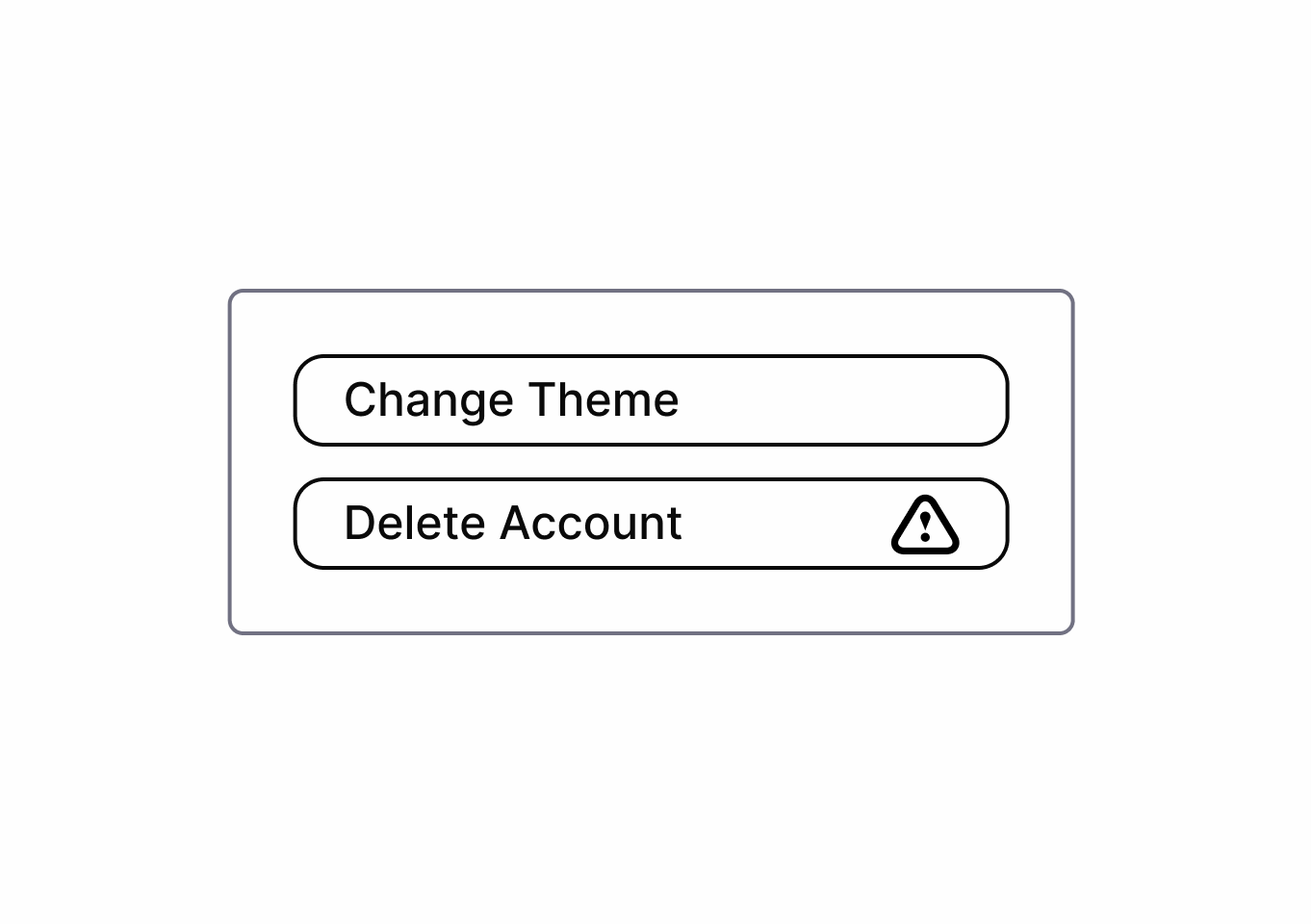
Two different approaches to Bright Patterns:
This approach is used by Sandhaus. It defines concrete Bright Patterns for specific contexts — for example the Bright Pattern "Usage Limits", which describes an interface that restricts the usage time of a service to a healthy level.
The original way the term "Bright Pattern" was introduced: the direction of the manipulation is switched from harming the user to being user-friendly. For example, instead of highlighting the option that harms the user, the user-friendly option is highlighted.
Source:
The symbiosis view connects dark patterns to bright alternatives
In the symbiosis view, each dark high/meso level pattern is paired with at least one matching bright pattern.
This view does not include low-level patterns, as these are implementation details. Refer to the related meso or high-level patterns for bright low-level alternatives.
Learn more about pattern levels in the pattern levels explainer.
Go into detail for each pair to see how a manipulative dark pattern can be replaced by an ethical bright pattern.
For that click on a pair in the symbiosis view to open its detail page. There you get a guide on how to apply the bright pattern and you can compare the bright pattern directly to the dark pattern.
A list of all sources used across the site. Click an entry to open the full reference.